Related Posts

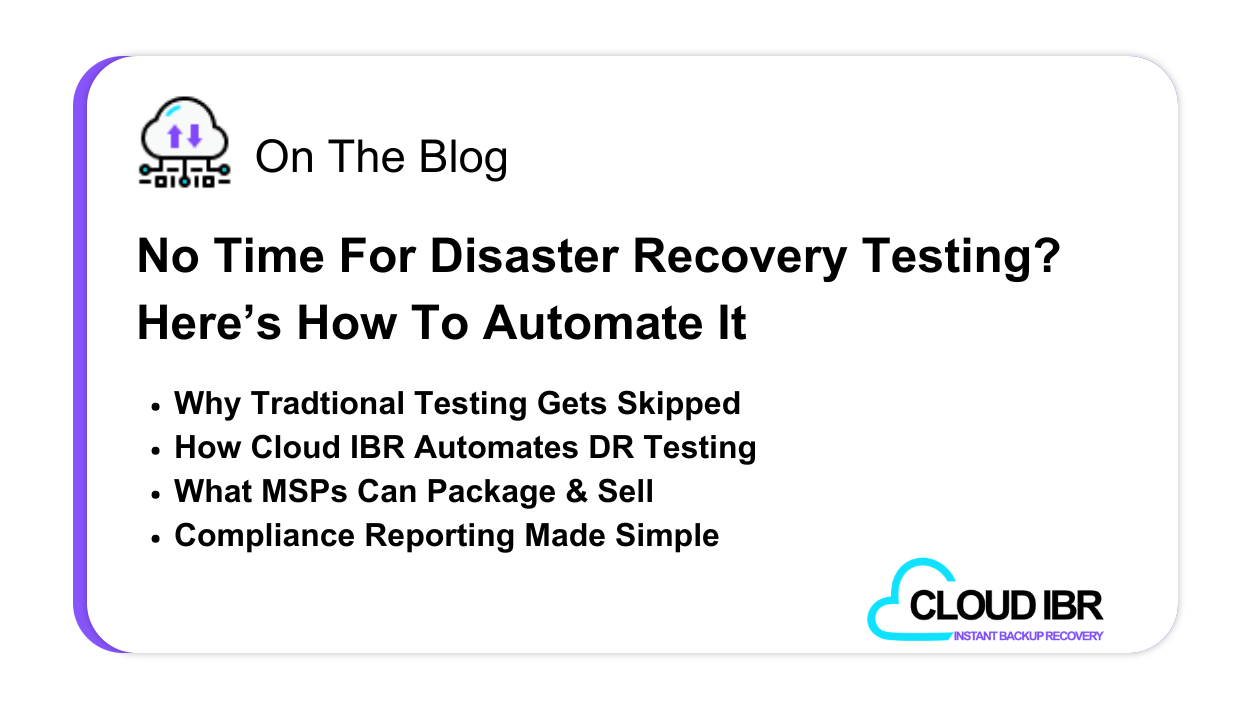
No Time for Disaster Recovery Testing? Here’s How to Automate It
You’ve probably heard this, or said it, more times than you can count. It’s a common excuse in disaster recovery (DR). Not because testing isn’t
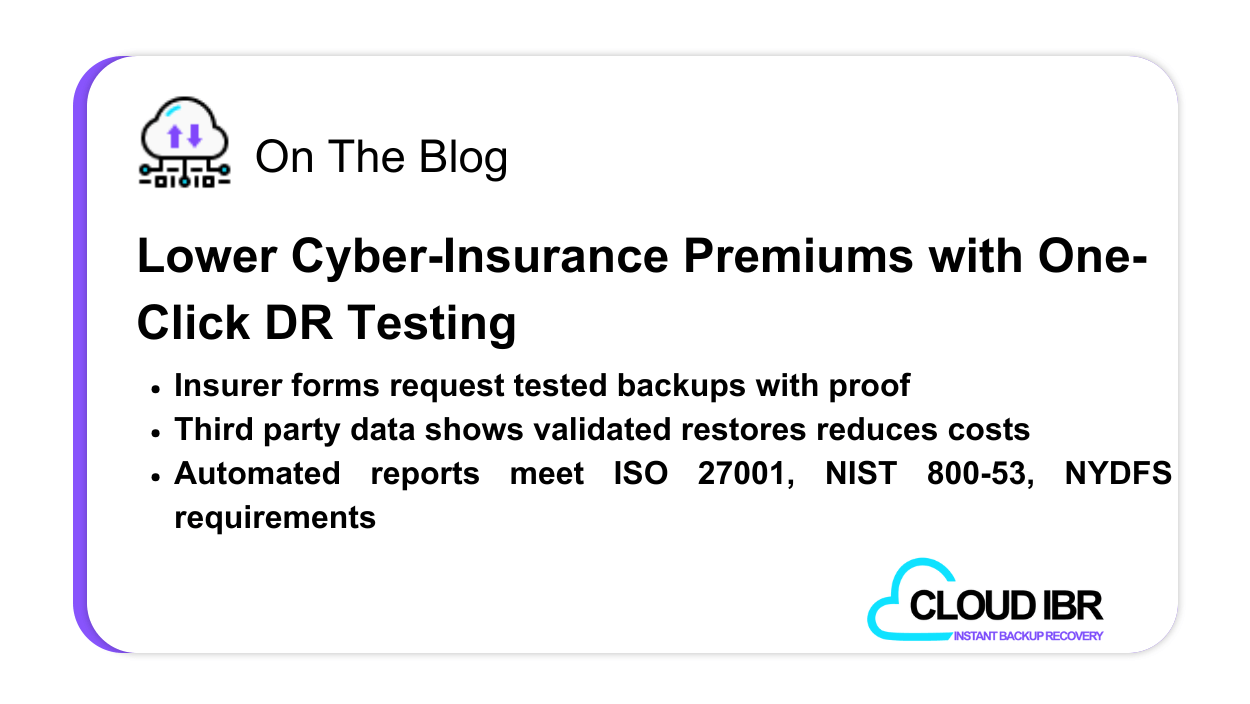
Lower Cyber-Insurance Premiums with One-Click DR Testing
Why Insurers Keep Raising the Bar Cyber‑insurance premiums more than doubled in key markets as ransomware surged, and businesses grew more reliant on digital infrastructure
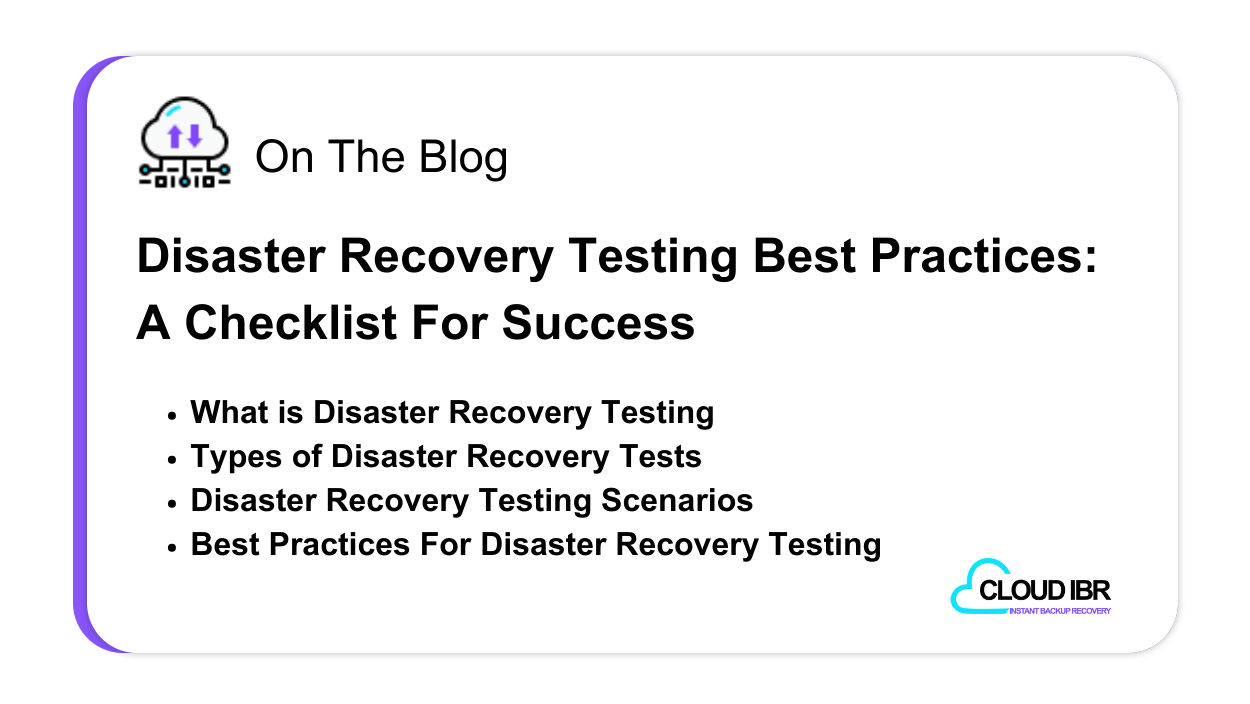
Best Practices For Disaster Recovery Testing
Updated: January 7th, 2025 Though data loss, and discontinuation of work due to IT failure, are costly, disaster recovery plans are still largely missing from
FAQs
Most organization’s recoveries are completed in less than a few hours, but can take longer, depending on how large your backups are.
There is no time limit on how long you can keep your environment online after performing a recovery. Keep in mind that your credit card will be charged for hourly usage of the recovery infrastructure, so if you intend on keeping the environment running long-term after an actual disaster, contact us for long-term pricing options.
Cloud IBR recovers all of your backups to VMware ESXi hosts with up to 4TB of RAM and up to 25TB of 25Gbps NFS storage. You can request to raise the storage amount if you require more. At the start of each recovery test, we automatically choose the highest performing servers available from PhoenixNAP’s inventory. To confirm Cloud IBR can handle recovering your environment, sign up for the free 30-day trial using the veeam30 promo code and run as many recovery tests as you want within the 30-day period to see if the service meets your requirements!
You must be using Veeam v10 or later to backup your VMware servers and be sending a copy of your backups to S3 compatible object storage.
Cloud IBR provides recovery of VMware, Hyper-V and agent-based physical server backups that were backed up with Veeam and stored in an S3 object storage bucket, either backed up via Direct to Object Storage with v12, or Scale-Out-Backup-Repository (SOBR) offloads with v10 or later. For Hyper-V and agent-based backups, we perform a fully automated Instant Recovery with Veeam. These servers will require you to assign an IP address to them via their console, as Veeam Instant Recovery will not recover them with an IP address.
Our team provides support to all customers at no fee, for any issues or bugs directly related to our SaaS offering. Recovery assistance is available at a rate of $250.00USD/hour. As we grow our network of MSP’s, you will also have the option of selecting a local partner to work with.
See It In Action
Book demo today!
See the impact and ease of automation…
In under 30 minutes, see how effortless backup testing and recovery can be, with full compliance and documentation, built in.
